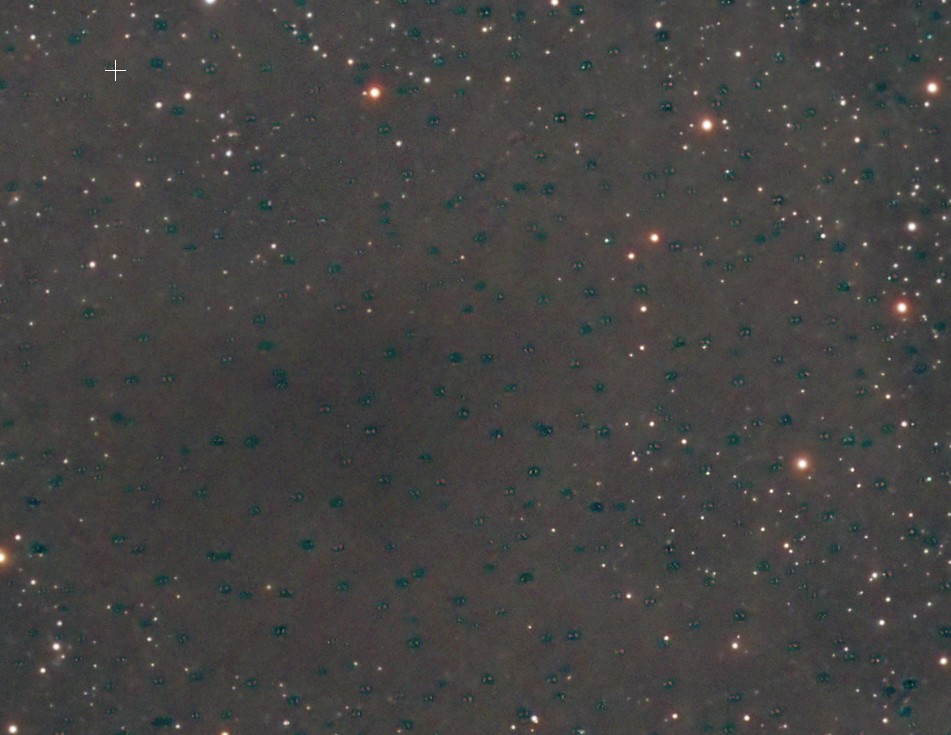
Hi! I’m turning to the community for guidance and suggestions regarding an issue I’m encountering while processing my RGB image.
When generating my RGB image, I notice green dots appearing in certain areas. I first spotted this while processing an image of the NGC6729 nebula. Those green dots turned blue when I applied SCNR, thinking it would remove the excess green. I regenerated the RGB image from scratch, hoping a specific processing step might have been the culprit. Unfortunately, the issue reappeared after combining the RGB channels and applying color calibration. Does anyone know what might be causing this?
Thanks! Clear skies!
Here is my equipment:
RedCat 51 mini
ASI 294 MM Pro
Antlia RGB filters
Exposures:
20 x 120 seconds per channel
Gain 120
Bin 1x1
-10 cooling
RGB Workflow:
Stacked images with Flats, Dark Flats, and Darks using the WBP script and applying Drizzle
Applied GraXpert separately per channel (Subtraction and Division)
Generated RGB using Channel Combination
Applied color calibration using the AutoColor script
📷 GreenDots.jpg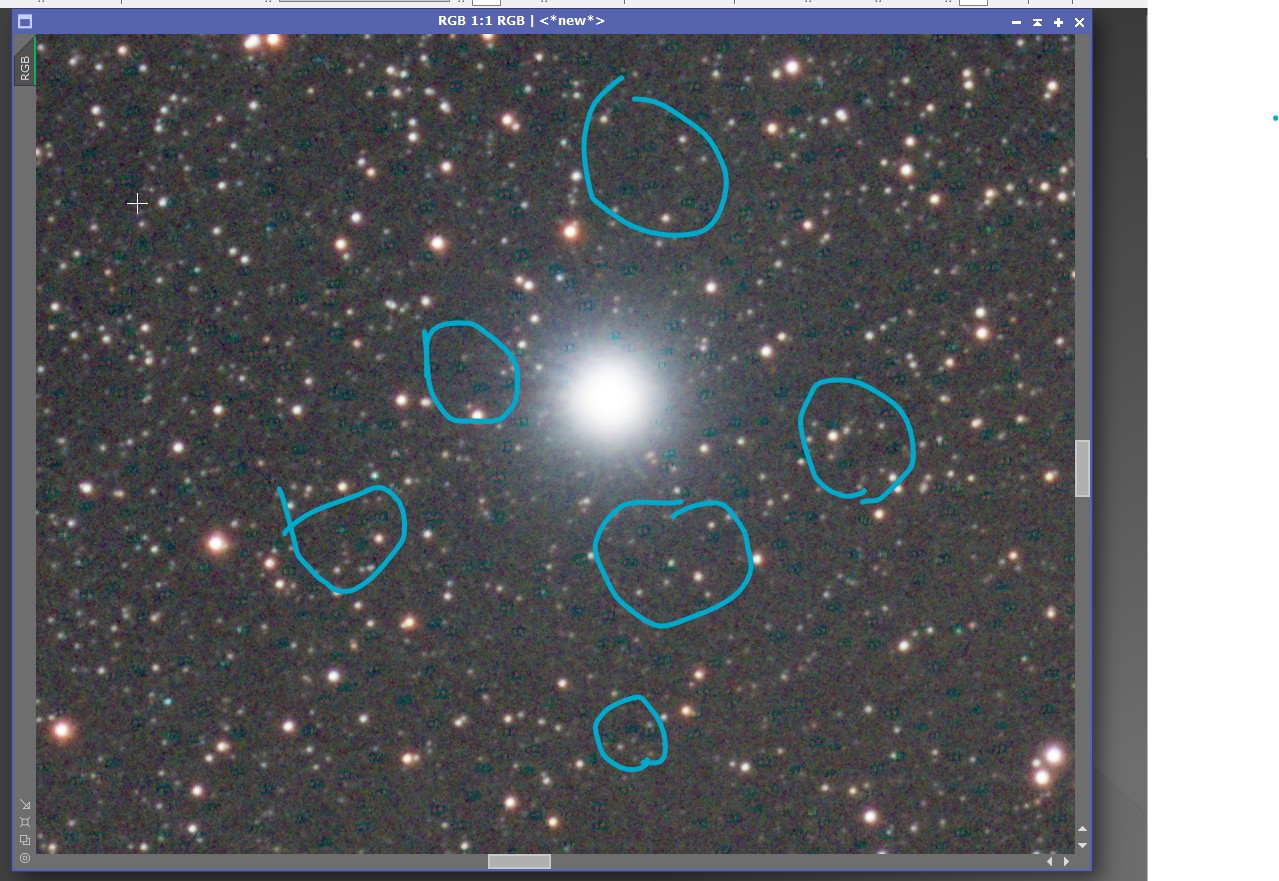 📷 GreenDots2.jpg
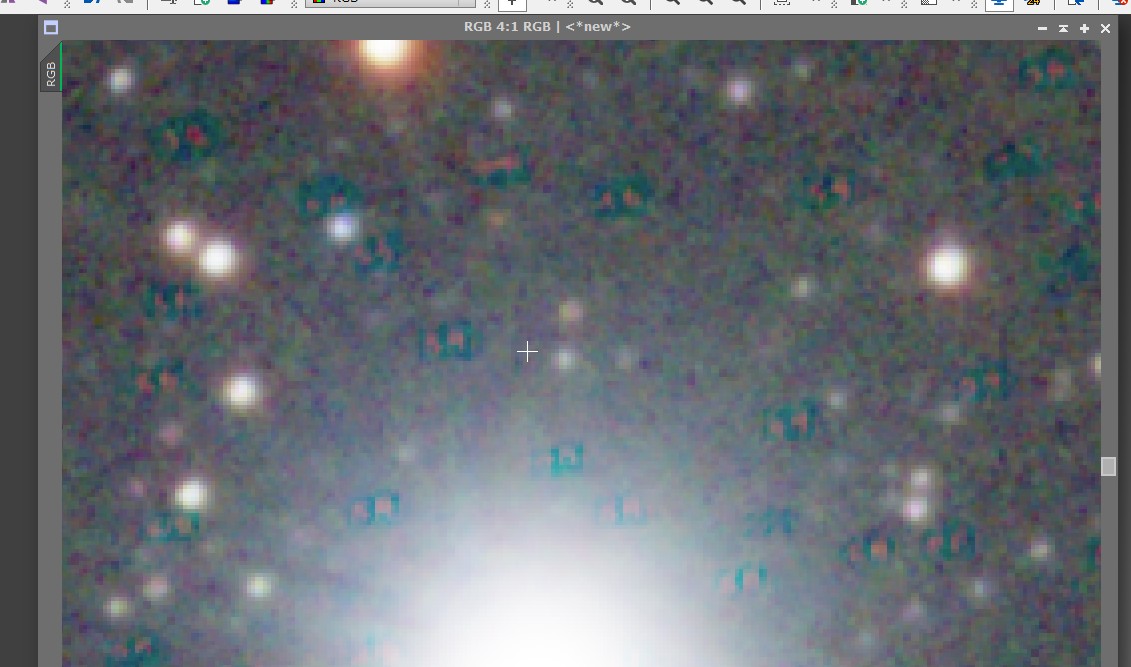 📷 GreenDots3.jpg
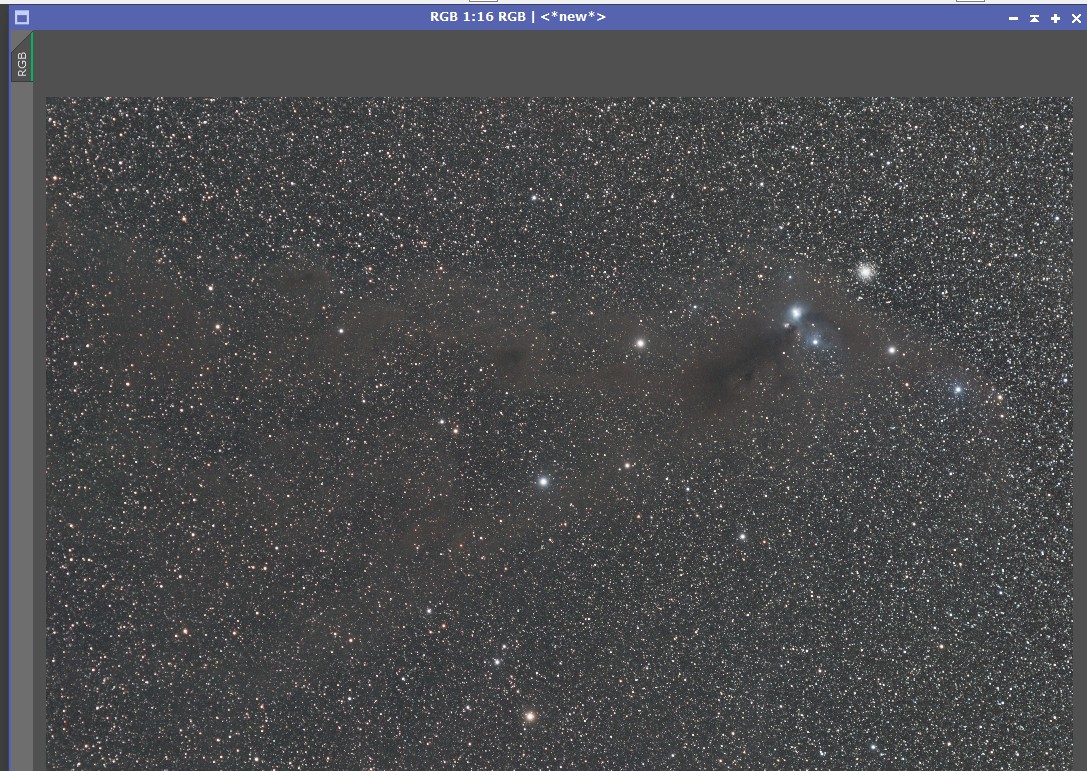 📷 GreenDots4.jpg